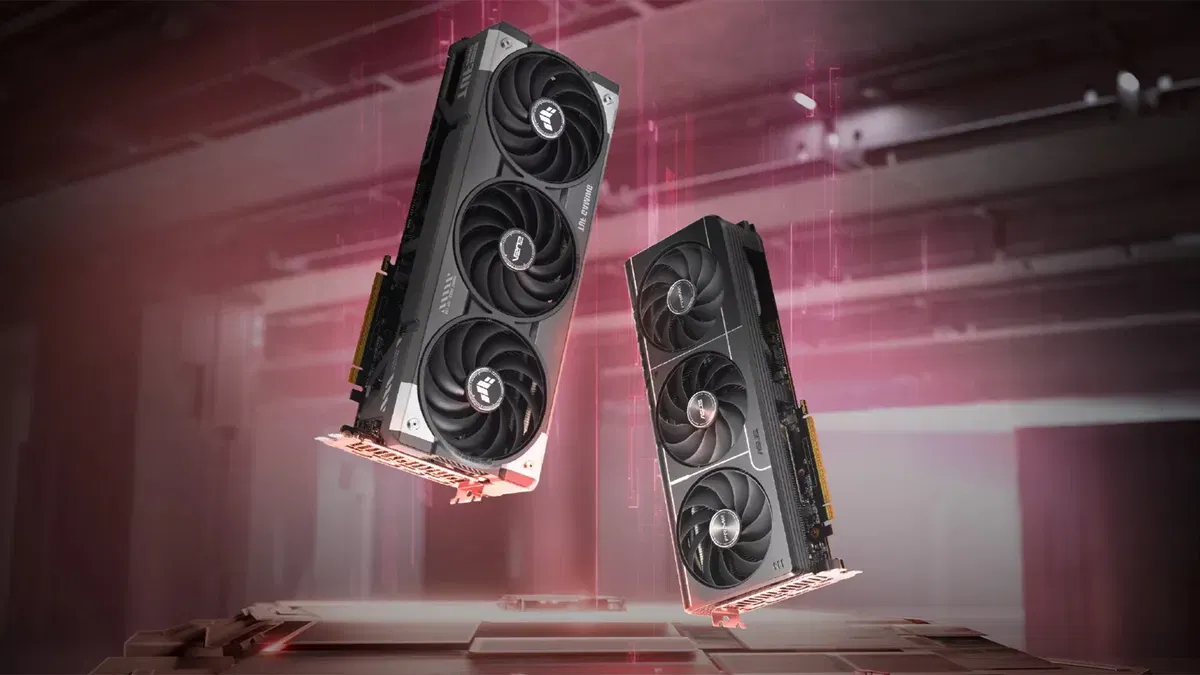


ATi rilascia la seconda release dell'anno dei driver Catalyst. Questa versione prende il nome di 6.2 e risolve i seguenti problemi:
Bugfix
- BattleField 2 Special Forces: A blooming or ghosting effect is no longer noticed when playing the game in night vision mode. Further details on this resolved issue can be found in topic number 737-21648
- City of Heroes: Running Shadertest 7 no longer results in slow performance being noticed. Further details can be found in topic number 737-21463
- Dragonshard: Playing the game under Windows XP Media Center Edition with CrossFire enabled, no longer results in the screen becoming out of sync, and a scrolling display image occurring shortly there after. Further details on this resolved issue can be found in topic number 737-20975
- Fable: The Lost Chapters: Playing the game under Windows XP MCE may result in the shadows found within the game appearing jittery, when the desktop resolution is set to 1024x768 32bpp, and all the game options are set to default. Further details on this resolved issue can be found in topic number 737-21184
- Half-Life2: Enabling Catalyst AI no longer results in the outer edges of the water appear dark or black in color. Further details on this resolved issue can be found in topic number. 737-21649
- Pacific Fighters: A stuttering effect at certain levels of the game is no longer noticed when playing the game with CrossFire enabled. Further details on this resolved issue can be found in topic number 737-21650
- The Fall: A VPU Recover event or the operating system failing to respond no longer occur when playing the game. Further details on this resolved issue can be found in topic number 737-21651
- World of Warcraft: Pixel corruption is no longer noticed when playing the game on systems containing an ATI Radeon X1600 series. Further details on this resolved issue can be found in topic number 737-21652
- Attempting to install the integrated WDM driver under Windows XP no longer results in an error message being displayed indicating that the hardware is not installed because the install Wizard cannot find the necessary software. Further details on this resolved issue can be found in topic number 737-20784
- Catalyst Control Center: The preview for the Deinterlacing aspect found in the Catalyst Control Center is now available when using the ATI Radeon X1300. Further details on this resolved issue can be found in topic number 737-20986
- The Video Preview found in the Standard Settings aspect within the Video option of the Catalyst Control Center, no longer fails to provide a preview after hotplugging an LCD panel to an ATI Radeon 9500 or 9800, when selecting to extend the desktop. Further details on this resolved issue can be found in topic number 737-21173
- Connecting two display devices to the ATI Radeon X850 CrossFire Edition and one display device to the ATI Radeon X850 XT no longer results in the display device connected to the Radeon X850 XT still being active once CrossFire is enabled. Further details on this resolved issue can be found in topic number 737-21177
- The WDM Drivers is now enumerated and the Capture chip is now being detected when using the ATI Radeon® X850 XT (ViVo) as a slave card on a system containing an ATI Radeon® X850 CrossFire™ Edition. Further details on this resolved issue can be found in topic number 737-21178
- The secondary display device no longer fails to activate when attempting to enable clone mode when using an ATI Radeon® X800 GTO. Further details on this resolved issue can be found in topic number 737-21179
- Using the Custom option when installing the software driver no longer results in the Theater™ 550 software driver not being present. Further details on this resolved issue can be found in topic number 737-21183
- The apply button no longer remains inactive when attempting to change the Hue and Saturation settings found in the TV PropertiesAvivo Color settings when enabling a TV as the primary display device and a CRT as the secondary display device. Further details on this resolved issue can be found in topic number 737-21264
- The image for extended desktop and clone mode are no longer reversed when an external monitor is connected. Further details on this resolved issue can be found in topic number 737-21653
- This release of Catalyst provides improved audio quality for European customers. Further details on this resolved issue can be found in topic number 737-21654
- The radio seek option found in the Windows XP Media Center Edition operating system is now functioning properly. Further details on this resolved issue can be found in topic number 737-21655
- The radio seek function found in the Windows XP Media Center Edition operating system is now functioning properly when using an ATI Radeon X800. Further details on this resolved issue can be found in topic number 737-21665
- Connecting an HDTV to an ATI Radeon X1300 and attempting to apply any of the custom modes found in the Digital display panel properties of the HDTV, no longer results in the display failing to apply the underscan modes. Further details on this resolved issue can be found in topic number 737-21656
- Attempting to hot-plug a DFP display device using the HDMI-DVI connector no longer results in the DFP display device failing to display an image. Further details on this resolved issue can be found in topic number 737-21657
- The ADD button for the Custom mode option found in the Catalyst Control Center is no longer greyed out when attempting to add the custom mode of 1920x1080i@30Hz. Further details on this resolved issue can be found in topic number 737-21658
- Viewing TV for several hours under Windows XP Media Center Edition on a system containing either an ATI Radeon X1300 or an ATI Radeon X1800 no longer results in an extraordinary long delay in the shut down and no longer results in Windows XP MCE TV failing to restart. Further details on this resolved issue can be found in topic number 737-21659
Nuove Caratteristiche
This release of Catalyst introduces the Catalyst Control Center Basic View Wizard. The new Basic View Wizard provides a step by step procedure that helps users setup all of the common features found in the Catalyst® Control Center.
Supporto alla serie Radeon X1900
Download:
Driver Catalyst 6.2 per Windows XP con CCC
Driver Catalyst 6.2 per Windows 2000 con CCC
Driver Catalyst 6.2 per Windows Media Center con CCC
Driver Catalyst 6.2 per Windows x64 con CCC
Vi ricordo che per il corretto funzionamento del CCC vi serve il .Net Framework di Microsoft.